Software walkthroughs
Click-by-click product tours and help center videos where the viewer copies each action as they hear it. Her precision means fewer viewers pause to replay a step.
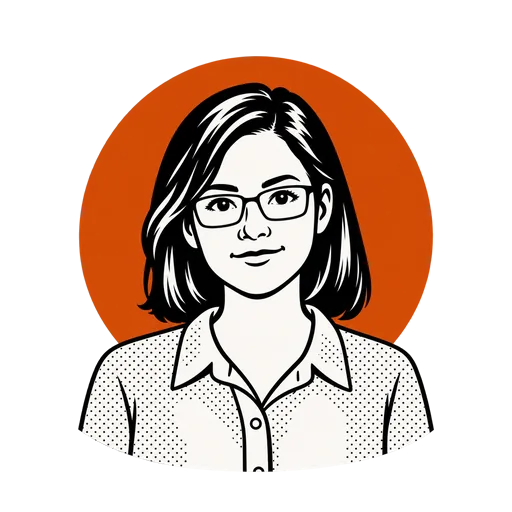
Hannah has a medium pitch and a clear, articulate and precise sound. Her voice was described for training walkthroughs and instructions, where every step has to be heard right the first time.
Hear it
About this voice
Our Hannah is a technical writer in her early forties who owns more checklists than shoes. She is patient and exact. She will tell you which button to press, what you should see next and what to do if you do not, and she will say it once so clearly that you never need to rewind.
The voice notes describe her as clear, articulate and precise, with a medium pitch, recommended for training walkthroughs or instructions. Software tours, safety procedures and setup guides suit her. Put a <pause:1> after each action so viewers can follow along, and use the captions as on-screen steps.
For Hannah, write one instruction per sentence, in the order the viewer will do it. "Open Settings. <pause:1> Choose Privacy, then turn on two-step sign in." Use the exact on-screen words for buttons and menus, and put any warning before the step it applies to rather than after it.
Where we would use it
Click-by-click product tours and help center videos where the viewer copies each action as they hear it. Her precision means fewer viewers pause to replay a step.
Procedures that have to be followed exactly, read without any room for doubt. Clear words matter most when the instructions carry risk.
Unboxing, assembly and first-run instructions, one numbered step at a time. Captions can double as the written steps on screen.
At a glance
| Language | Reads 40 languages |
|---|---|
| Voice | Female |
| Captions | Synced captions |
| Cost | 1 credit per 400 bytes of script |
| Formats | MP3, plus WAV on paid plans |
| Commercial use | Included on every plan |
| Preview | Free, no sign-up |
FAQ
Add <pause:1> after each instruction, or start each step on a new line. That gives viewers time to click before she moves on.
Write them the way you want them spoken. For an unusual name, a phonetic spelling in the script leaves nothing to guess.
Yes. The SRT and VTT files break at natural pauses, so each instruction tends to land as its own caption. Setup guides tend to be watched with the product in hand, so clear words save a lot of rewinding.
Every paid plan, Starter or Creator. Her three scenes play free first, with no sign-up.
Similar voices
Paste a script, add a few emotion tags and download one MP3 with captions.