











AI voice over generator

AI Voice Over With Real Emotion, for Scripts of Any Length

Make an AI voice over that sounds human. Tell us what you're making, paste your whole script and get one MP3 with captions. Each part is read the way that use calls for, from a calm documentary to a punchy ad.

Listen to samples for free. Create audio from your script with a paid plan.

What are you making?

Mood (optional)

We'll choose the tone and pacing for each part.

  • Commercial use included on the free plan
  • No watermark on any output
  • Blend and preview voices without signing up

Voice library

Browse 1,600+ realistic text to speech voices

Every voice reads all 40 languages. Pick a language and press play to hear any voice speak it, then choose the one that fits your project.

What you get

An AI voiceover generator built for long scripts

Three things make this AI voice over different: it reads the whole script in one go, it acts on cue and it hands you captions with the audio.

Your whole script, one file

Paste ten lines or ten thousand. Your script comes back as one MP3, never a folder of clips to stitch together.

How long scripts come back as one file

Long scripts are split into parts behind the scenes and joined into a single file, so the voice and the pacing match from the first line to the last. In our own test, a 64-minute script came back as one file with captions in under two minutes.
See the narrator page for long reads

Emotion you write into the script

Type <laugh>, <sigh> or <gasp> where the moment happens and the voice performs it in place. That is text to speech with emotion you control.

Where to put a tag

The voice reads the words around a tag as well as the tag itself, so a laugh after good news sounds happy and a sigh after a long day sounds tired. Put each tag right before the line it belongs to.

See every tag you can use

Captions in the same download

Every AI voiceover comes with caption files timed to the audio, ready for YouTube, TikTok or any video editor.

How the captions are built

Captions come from the same render as the audio and break at natural pauses, with at most 42 characters a line so they sit cleanly on a phone screen. Emotion tags shape the performance and stay out of the caption text.

Making short videos? See the TikTok page

Emotion tags

Text to speech with emotion, written right into your script

Tags go inside your text in angle brackets. The voice performs them as it reads, and they never show up in your captions.

<laugh>
A short, natural laugh
<chuckle>
A quiet chuckle
<sigh>
A sigh before the line
<gasp>
A sharp breath of surprise
<cry>
A tearful break in the voice
<breath>
A breath to set up a big line
<pause:2>
A clear pause between lines

Try this in the generator

<gasp> Wait, is that the final score?
<pause:1> We actually won.
<laugh> I can't believe it. <sigh> Okay. Back to practice tomorrow.

Put each tag just before the words it belongs to. A happy sentence makes for a happy laugh, so let the script set the mood and use tags for the moments that matter.

Captions

Captions that match every line, from minute one to minute sixty

The caption files come from the same render as the audio, so the last line of a long AI voiceover lands as cleanly as the first.

  • SRT and VTT files with every voice over
  • Cues break at natural pauses, up to 42 characters a line
  • Emotion tags stay out of the caption text
  • Edit the script, render again and the captions follow

For a YouTube video, drop the MP3 and the caption file into your editor at the same start point and you are done. For a course or an audiobook, the captions double as a transcript you can search when you want to find a line again.

Make yours with captions
1
00:00:00,180 --> 00:00:02,860
Wait, is that the final score?

2
00:00:03,900 --> 00:00:05,420
We actually won.

3
00:00:06,700 --> 00:00:08,640
I can't believe it.

How it works

How to turn a script into text to speech for YouTube videos

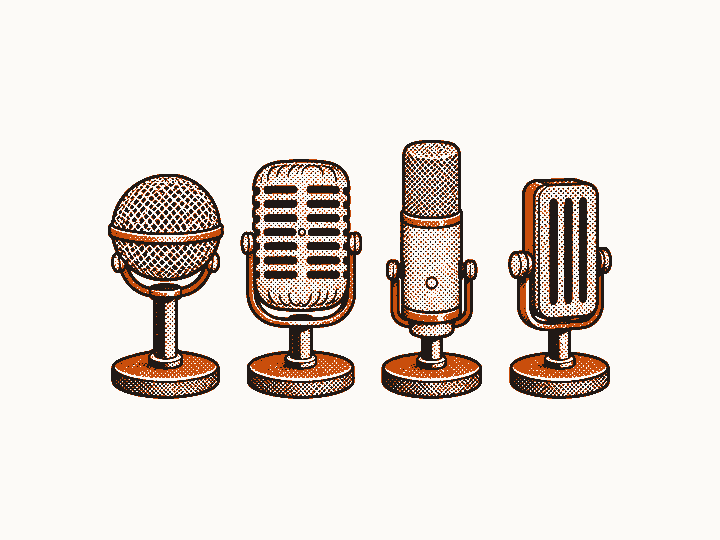
  1. A row of microphones of different shapes, each one a different voice to choose from.STEP 01

    Pick what you're making

    Choose YouTube, Podcast, Story, Ad or another use, then play the voice samples and pick the voice you like.

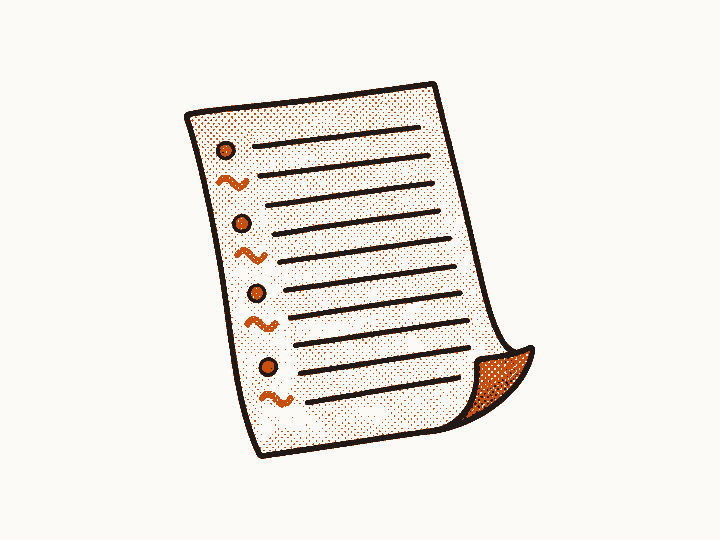
  2. A page of script with small marks in the margin where the voice should laugh or pause.STEP 02

    Paste the script and set up the reading

    Paste the whole thing and tap Set up the reading. Each part gets its own tone and pacing, and you can make any part calmer, livelier or slower with one tap.

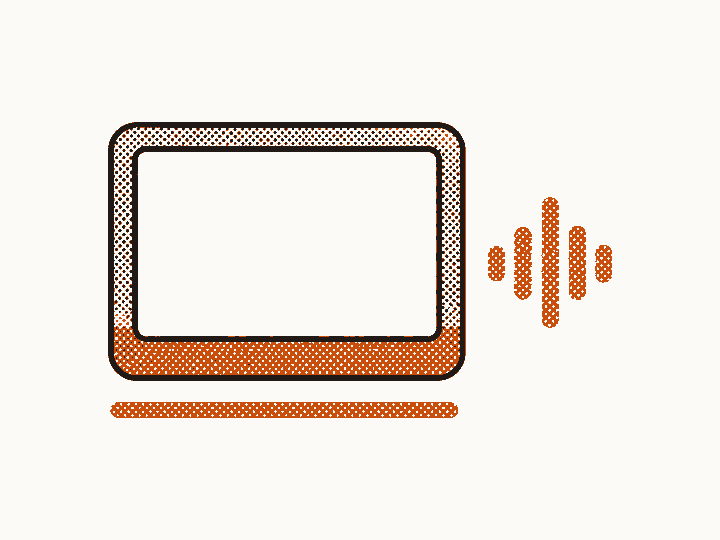
  3. A video frame with a caption line under it and a sound wave running alongside.STEP 03

    Download your AI voice over

    The MP3 and its captions land in My Speech, ready for your YouTube video. Long scripts keep rendering if you close the tab, so come back when it is done.

Plans

Human voice text to speech, included in every paid plan

Starter and Creator both unlock every premium voice. One credit covers 400 bytes of script.

Starter

$6.99 a month

100 credits a month

  • All 1,600+ premium voices
  • A reading set up for what you make
  • Tone and pacing you can adjust part by part
  • One MP3 with captions for any length
  • Commercial use with no watermark
Choose Starter

Creator

$15.99 a month

300 credits a month

  • All 1,600+ premium voices
  • A reading set up for what you make
  • Tone and pacing you can adjust part by part
  • One MP3 with captions for any length
  • Commercial use with no watermark
Choose Creator
See the plans side by side

FAQ

AI voiceover questions, answered

  • What makes this AI voice over sound human?

    Your script is split into parts, and each part gets its own tone, pace and energy for the use you picked, so the read rises and falls like a real performance. A few breaths, laughs and pauses land where the moment needs them.

  • How long can my AI voice over script be?

    As long as you need. A full script goes in as one job and comes back as one MP3 with matching captions.

  • Which languages can these voices speak?

    Forty, including English, Spanish, French, German, Portuguese, Italian, Japanese, Korean, Chinese and Arabic. Paste your script in any of them and the voice picks up the language on its own.

  • How is a premium AI voiceover priced?

    One credit covers 400 bytes of the words that are read aloud. The tone directions, sound effects and pauses added when the reading is set up are free. You see the credit cost before you create the audio.

  • Can I hear a voice before I pay?

    Yes. Every voice has a short sample you can play for free, with no sign-up. Tap the play button on any voice card or browse the full library to hear more.

  • Which plans include these voices?

    Every paid plan: Starter and Creator, monthly or yearly. Credits from add-on packs work with them too.

  • Can I use the AI voice over in YouTube videos and ads?

    Yes. Commercial use comes with every plan, and that includes premium voices. There is no watermark and no attribution line.

  • Do the emotion tags show up in my captions?

    No. Tags shape the performance and stay out of the caption files, so your captions read like the script without the brackets.

Turn your next script into an AI voice over

Pick a voice, paste the script and download one MP3 with captions.